Apps / TubTender
TubTender
Hot tub care without the guesswork.
Dip a test strip, tap the colors that match, and TubTender tells you exactly what to add, how much of the bottles you already own, and in what order. Then it counts down until the water is safe to soak.
What it does
Features
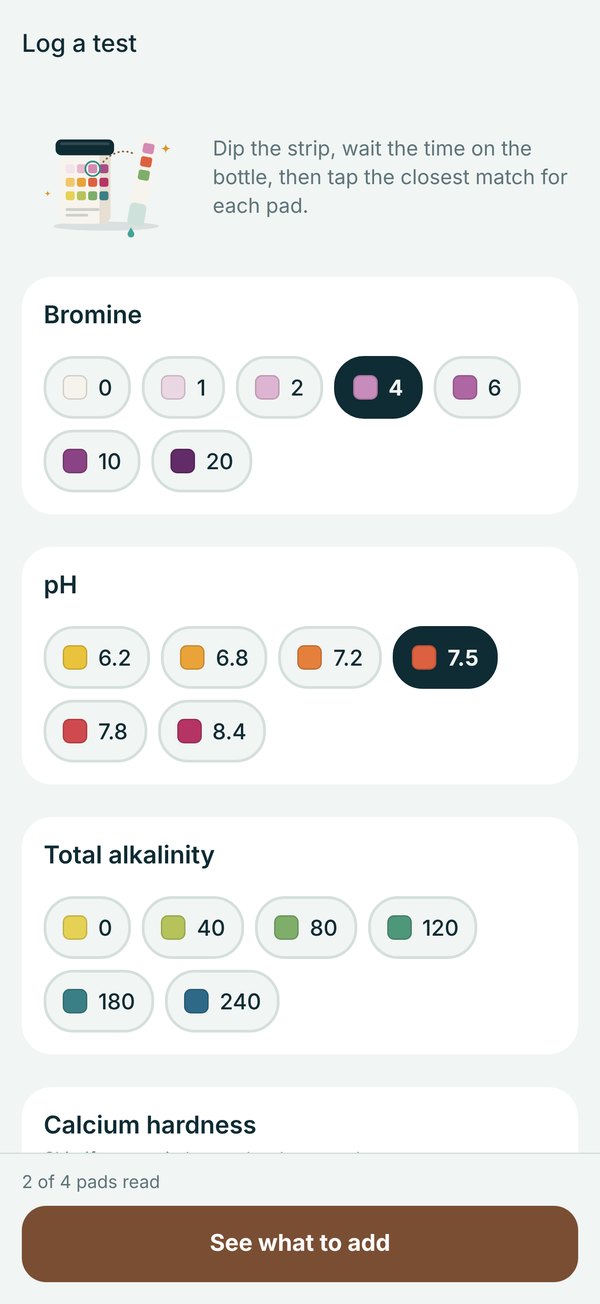
Tap the colors
Match each strip pad to its color. No typing numbers and no squinting at the bottle.
Scan your bottles
Point the camera at a label and TubTender fills in the product and strength, so every amount matches what you pour.
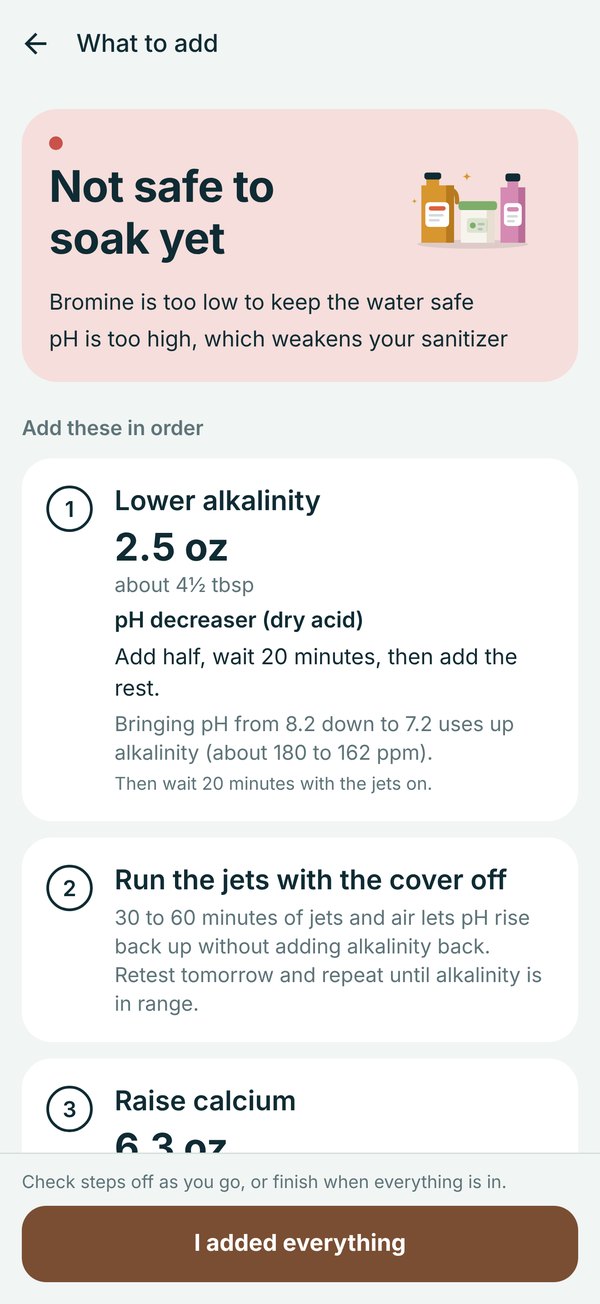
Exact amounts
Ounces and spoonfuls worked out for your tub size and the strength of the products on your shelf.
The right order
Alkalinity, pH, calcium, then sanitizer, with the wait between each step built in.
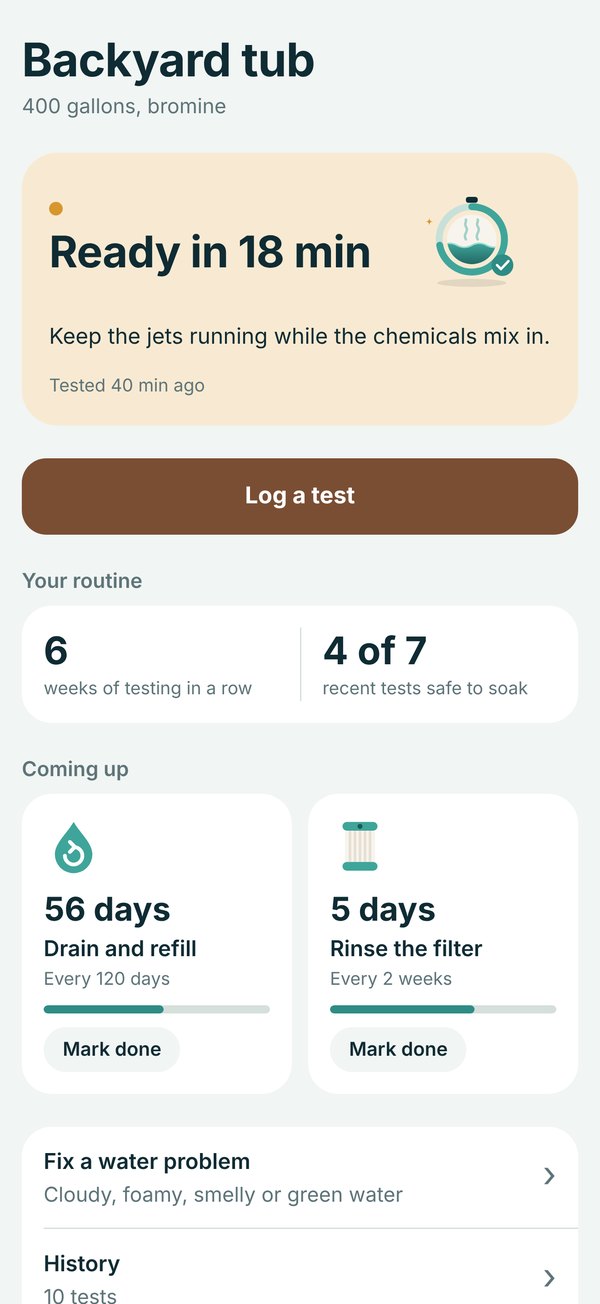
Safe to soak
A clear verdict after every test and a countdown while the chemicals mix in.
Reminders that help
Gentle nudges to test, rinse the filter and drain, scheduled on your phone.
Private by design
No account. Your tub, tests and history stay on your iPhone.
Which test strips work with TubTender?
Any common spa strip that reads free chlorine or bromine, pH and total alkalinity. Calcium hardness and stabilizer (CYA) pads are used when your strip has them. The colors in the app are a guide, so match against the chart on your own bottle.
How does bottle scanning work?
Photograph the side of the bottle that lists the active ingredient. Your iPhone reads the text, and TubTender matches the ingredient and strength to its product list, then shows you the result to confirm. Nothing is uploaded. If the strength is not printed clearly, it fills in the typical value and asks you to check it.
How does TubTender work out the amounts?
It uses your tub size, your readings and the strength printed on each product you own. pH and alkalinity are calculated together, because changing one moves the other. Always follow the label on your product as well.
I use bromine. Why does the plan say to shock?
Bromine tablets slowly release bromine, and once it is used it turns into bromide in the water. A shock turns that bromide back into active bromine, so the level comes up faster than tablets alone. Keep tablets in your floater so the level holds between tests.
How often should I test?
Two or three times a week, and before soaking after the tub has sat for a while. TubTender can remind you when a test is due.
What does Premium include?
Trend charts for sanitizer, pH and alkalinity, your full test history, every fix it guide (cloudy, foamy, smelly, green, itchy and scaly water) and everything added in future updates. The core test and dose plan stay free.
How do I cancel or restore Premium?
Subscriptions are managed by Apple. Open Settings on your iPhone, tap your name, then Subscriptions, and choose TubTender. To restore a purchase on a new phone, open Premium in the app and tap Restore purchases.
Where is my data stored?
Only on your iPhone. There is no account and nothing is uploaded. You can delete everything from Tub settings in the app. Read the privacy policy.
Support
Need a hand?
Email us with what you are seeing and, if you can, your latest strip readings. The Contact support button in the app fills in your app version for you. A real person reads every message.
TubTender gives general water care guidance and dose amounts based on your readings. It is not a substitute for your hot tub manufacturer's instructions or medical advice. If a rash or irritation lasts, see a doctor.